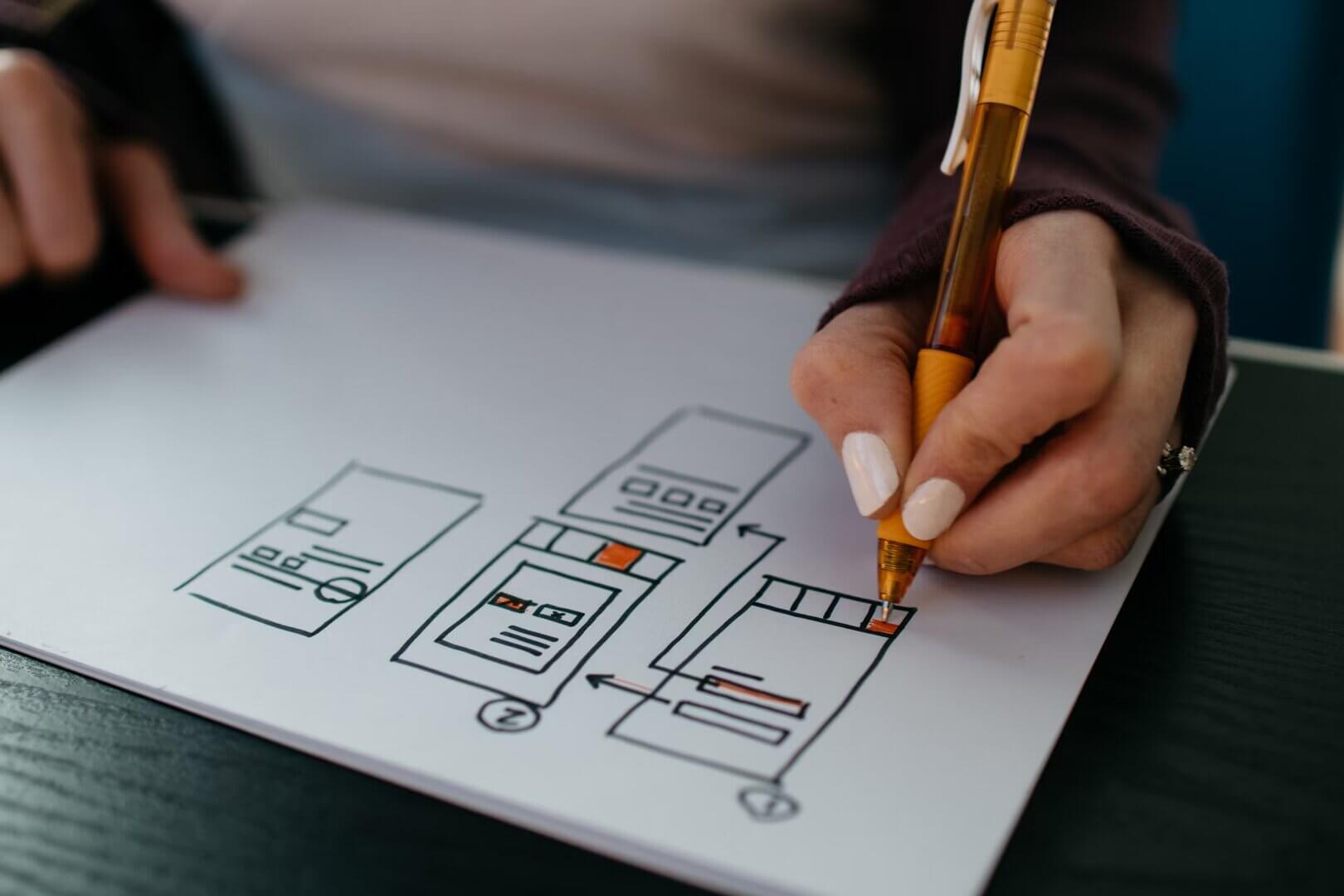
Rapid Prototyping with Figma
Rapid prototyping with Figma: shorter design phases with interactive components, real-time collaboration and a design system for a consistent UX.
Solution example: how we implement a project like this. It does not describe a single client project.
Speed Without Cutting Corners
Initial situation & goals
Efficient UI/UX design decides whether a digital product succeeds. In this solution example, we show how we use Figma to speed up the design process and improve collaboration.
The problem
Challenges
Design consistency
Typical starting point: inconsistent designs cause delays.
Communication
Alignment between design and development takes a lot of time and effort.
Iterations
Too many rounds of changes, because feedback comes in late.
Goals
Approach
Speed
A shorter design phase through better tools and workflows.
Efficiency
Fewer iterations thanks to early user feedback.
Collaboration
Better teamwork across disciplines.
How We Approach It: An Agile Workflow
Approach
A systematic approach that uses rapid prototyping to improve product development.
Project management
Collaboration in Figma
Real-time design work with interactive components.
Feedback loops
Early and frequent user feedback.
Technologies & tools
Figma
UI design, prototyping and handoff in one platform.
Auto Layout
Build and adjust layouts quickly.
Interactive components
Dynamic prototypes with animations.
Team & roles
Designers
Build and maintain the design system.
Developers
Integrate assets and interactions.
Project manager
Coordinates feedback and iterations.
Implementation: The Design Workflow
Implementation
An iterative workflow that covers research, design, prototyping and handoff.
Core features
Research and planning
User research, wireframes and user flows.
UI design
Components, styles and layouts.
Prototyping
Interactions, animations and usability tests.
Handoff
Assets, documentation and code export.
Takeaways and Outlook
Lessons learned
What rapid prototyping with Figma delivers and where it can go next.
Design systems
A shared system is what makes the team fast.
Early feedback
User feedback in early phases avoids rework later.
Next steps
Expand the design system
Adopt new features such as variants and Auto Layout
Bottom line
With Figma as the central tool, UI/UX design can be fast and high quality at the same time.
Related services
More case studies
Other projects

Maintenance App with RFID: Planning and Documenting Maintenance
A maintenance app with offline mode, RFID scanning and SAP integration. Less downtime, better data quality and maintenance processes everyone can follow.
Industrial digitalizationRead
TAF Mobile App: Digital Maintenance, Offline and Online
An iOS and Android app for maintenance work with offline mode, photo documentation and SAP integration. Paperless maintenance with real-time status tracking.
Mobile maintenance appReadWhat are you working on?
On the first call, you tell us where things are stuck. We'll tell you honestly whether we're the right fit. 30 minutes, free.

Jens Bohl Founder and Managing Director